.png?width=200&height=42&name=the%20digital%20concierge%20(24).png)
To install Merlo AI teams agent, you must be logged into your organization's Teams application. Please follow the steps below to install Teams app:
Open Microsoft Teams App
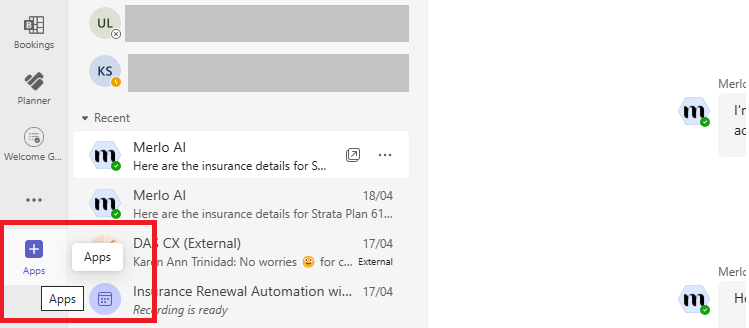
Click on Apps button from the left hand vertical menu
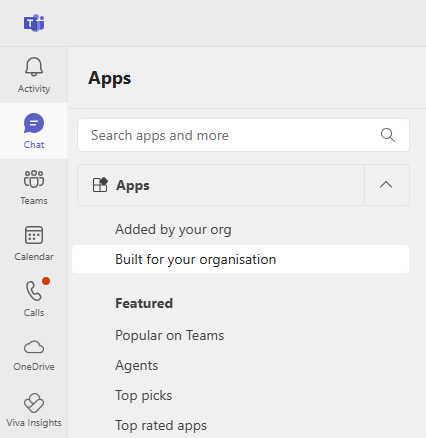
Select "Built for your Organization" from the menu
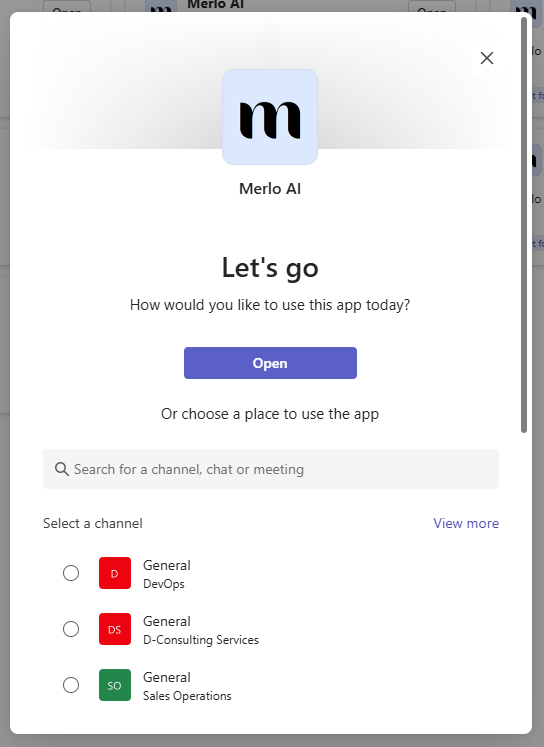
Select Merlo AI from the app store and click Install to install the app
Once installed, click on the Open button and say hi in the chat window to communicate with the Merlo AI Teams agent.